
Schedule a call with our expert web design and answer engine optimization team today to discuss how we can improve search visibility and upscale your brand's online presence in just 30 days.
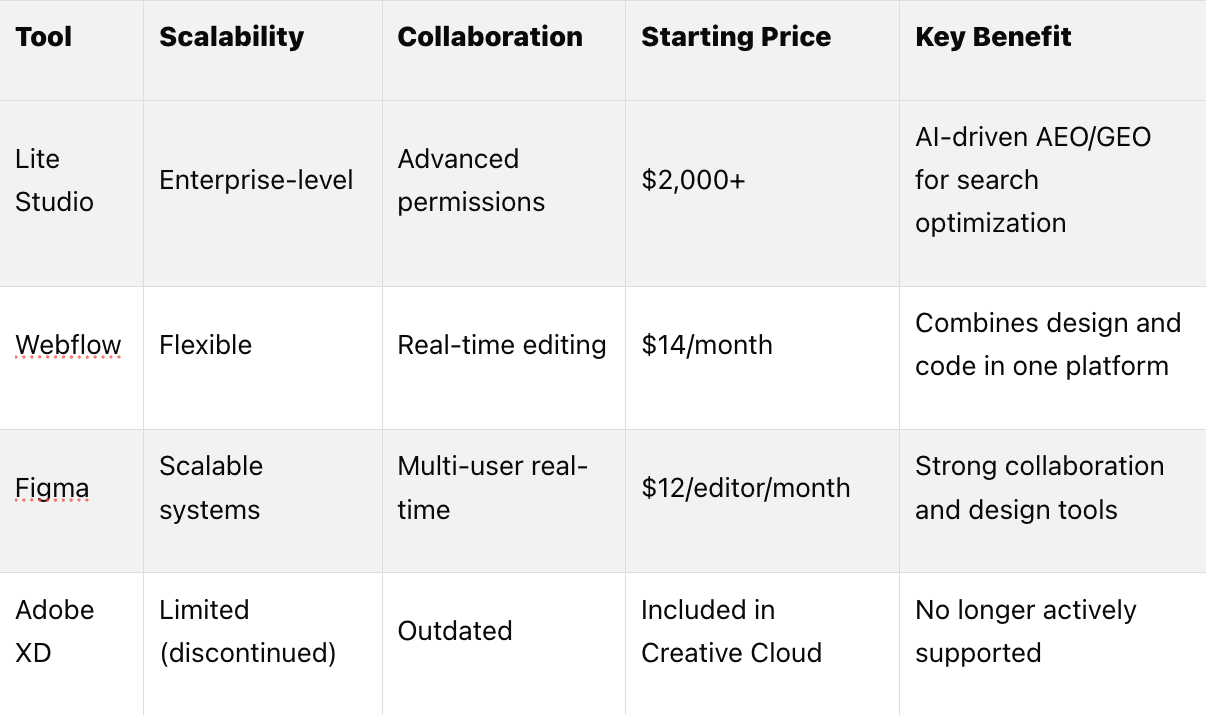
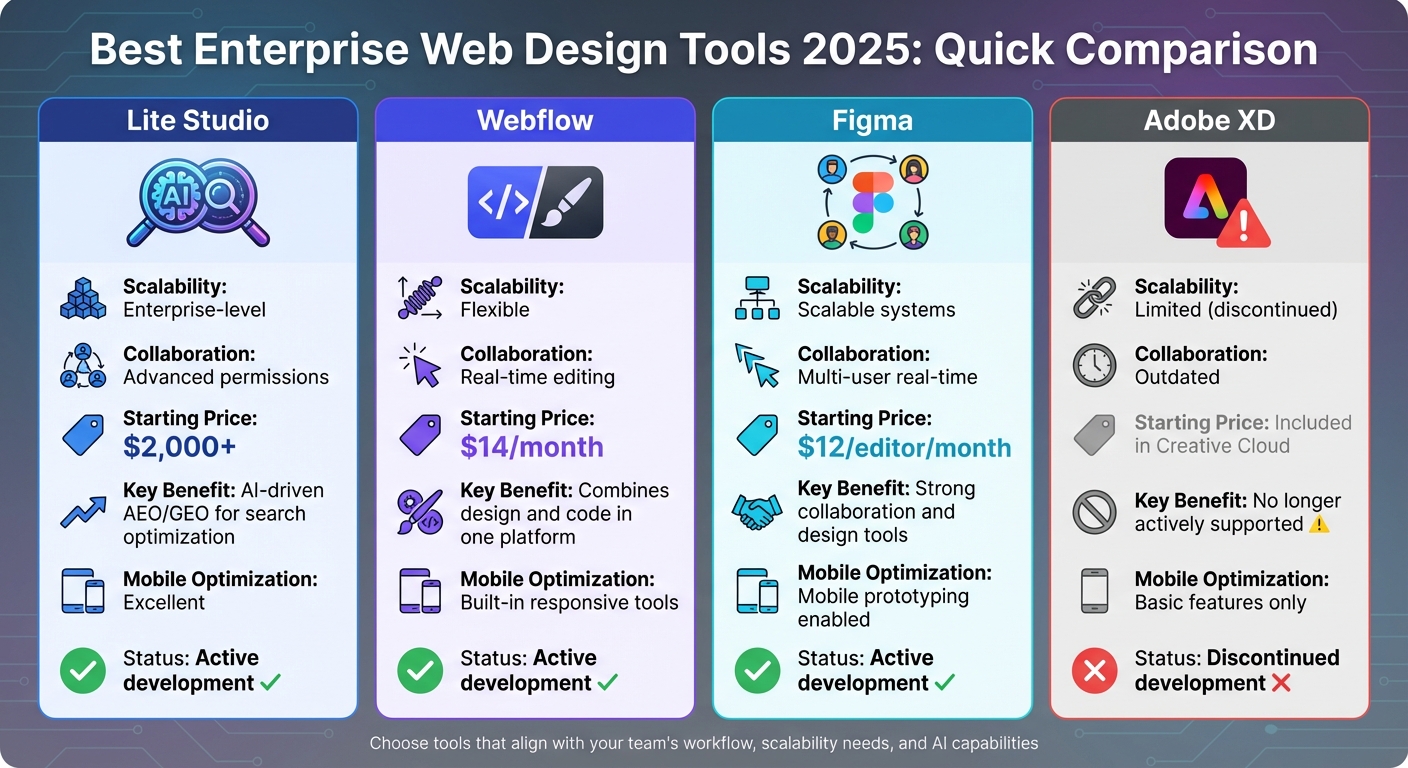
Schedule CallEnterprise websites in 2025 face growing challenges: managing complex structures, ensuring seamless user experiences across devices, and leveraging AI to improve performance. The right tools simplify design, support collaboration, and deliver scalable solutions. Here's a quick look at top tools:
Quick Comparison:

Choose tools that align with your team's workflow, scalability needs, and AI capabilities to stay competitive in an evolving digital landscape.

Choosing the right tools is essential for managing large-scale projects and enhancing productivity in enterprise settings. Big organizations need platforms that can handle expansive websites, support real-time collaboration across teams, and ensure consistent, high-quality user experiences. Here’s a look at some of the top tools shaping enterprise web design in 2025.

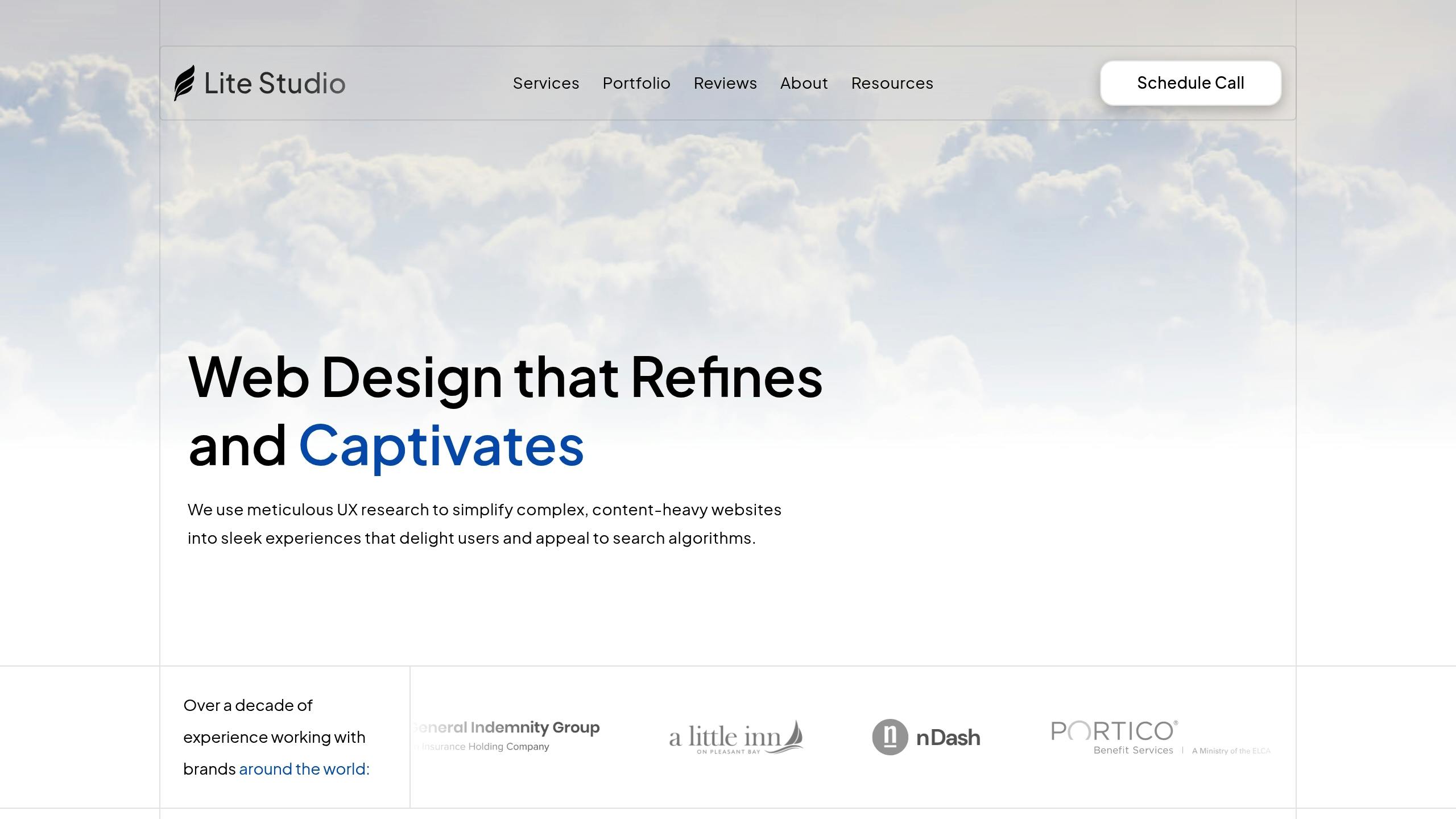
Lite Studio specializes in advanced search-focused web design, offering services tailored for answer engine optimization (AEO) and generative engine optimization (GEO). By integrating AI-driven search capabilities with Webflow and Framer development, Lite Studio helps enterprises build visually stunning, search-optimized websites. They also incorporate data-driven UX research to ensure user engagement remains a priority.
Their process emphasizes mobile optimization and fast load times, addressing the technical complexities of enterprise websites without compromising user experience. Pricing begins at:
For organizations seeking a blend of technical precision and user-centric design, Lite Studio offers a compelling option.

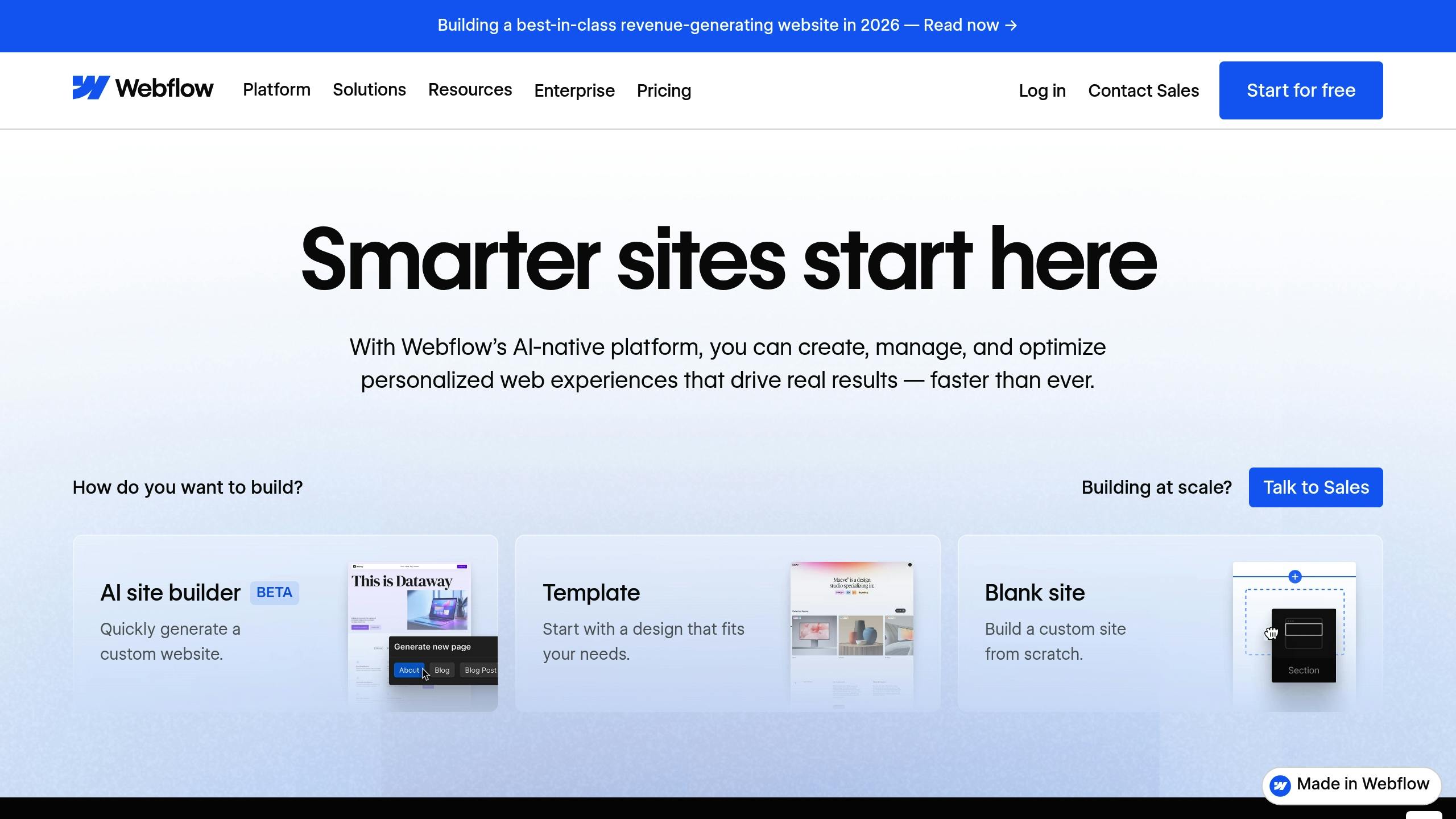
Webflow empowers enterprises by merging visual design tools with production-ready code, offering full control over HTML, CSS, and JavaScript through an intuitive interface. In 2025, Webflow introduced AI-powered features that:
Its class-based styling system and reusable components simplify updates across entire websites, ensuring brand consistency.
Alice Bybee, Director of Brand Design at Lattice, shared: "Webflow has changed everything. Now we can actually build what my team designs, pixel for pixel. Having that power and flexibility at our fingertips is a paradigm shift."[1]
Pricing starts at $14 per month for basic plans, with workspace plans available for teams needing advanced collaboration tools.

Figma is a leader in real-time, collaborative design, allowing teams - designers, developers, and stakeholders alike - to work on the same file simultaneously. This eliminates version control headaches and ensures everyone stays on the same page. Features like Auto Layout, robust component libraries, and scalable design systems make Figma a go-to choice for maintaining consistent design standards across large organizations.
Lauren LoPrete, Design Systems Lead at Dropbox, noted: "No matter the discipline, everyone has a centralized location to view, understand, and contribute to the work."[3]
Figma also includes a Dev Mode, enabling developers to inspect designs and extract code directly, streamlining the handoff process. Pricing starts at $12 per editor per month for professional plans, with business plans available at $45 per editor per month for advanced enterprise needs.

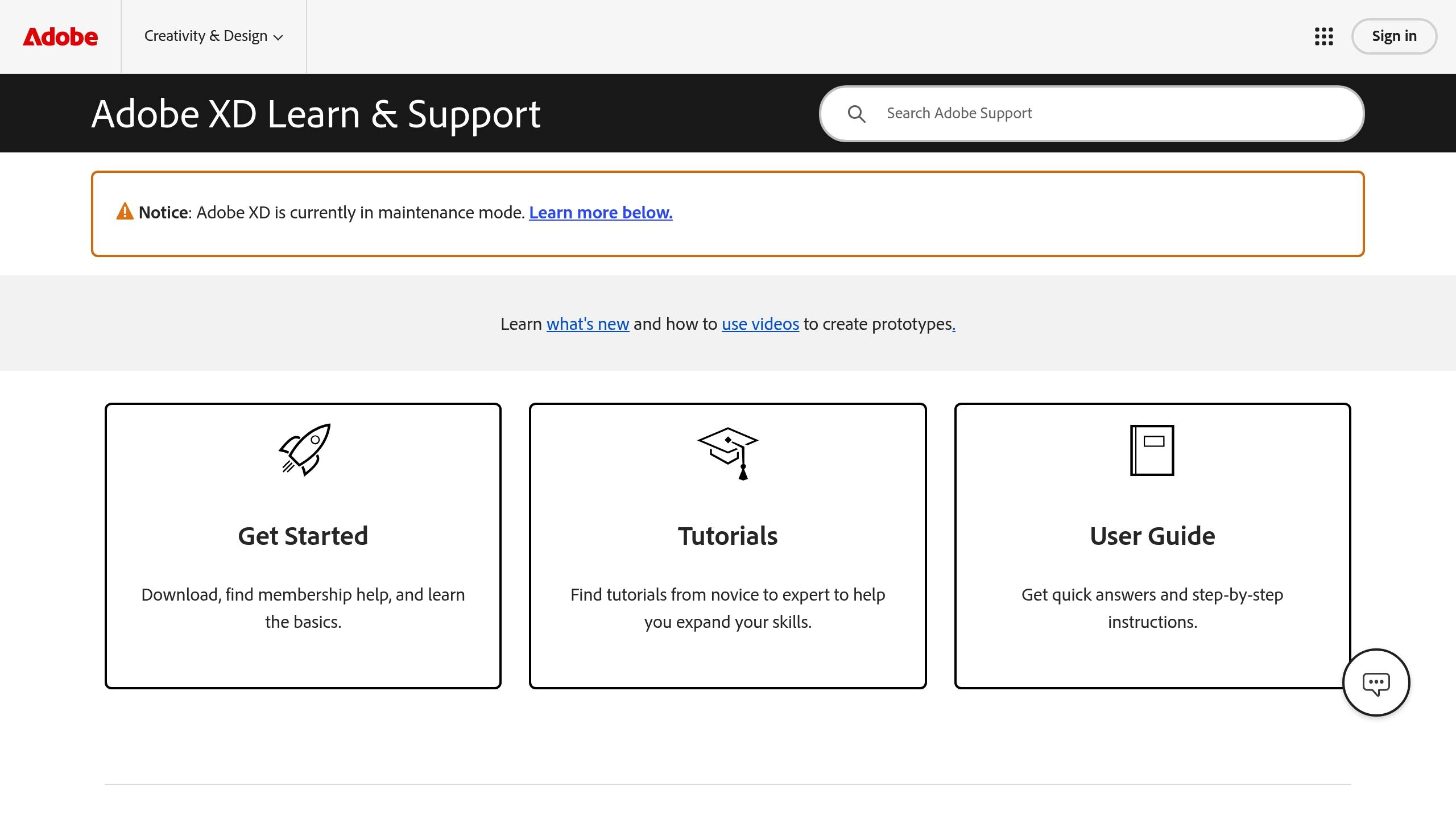
Adobe XD, once a strong contender in prototyping and integration with Adobe’s suite of tools, is no longer actively updated and is maintained only for existing users.[2] While it previously offered robust features, its lack of ongoing development makes it unsuitable for enterprises looking to stay ahead with evolving technologies. Organizations still relying on Adobe XD should consider transitioning to platforms that continue to innovate and adapt to industry trends.
When choosing web design tools for your enterprise, it's crucial to align the platform with your organization's specific challenges and long-term growth plans.
Start by identifying your current hurdles and future objectives. Consider factors like your website's complexity, expected traffic volume, and whether it needs support for multiple languages or regions. Think about your team's workflow - are designers, developers, and marketers collaborating closely, or do they work more independently? Also, factor in your growth projections for the next 12 to 24 months to ensure the tool you pick can scale as your business expands. Don’t forget to review your existing tech stack to confirm compatibility with systems like CRM, ERP, or marketing automation tools.
Your chosen platform should grow alongside your business while maintaining strong security measures. Collaboration features are equally critical - look for tools that support real-time teamwork, making the transition from design to production as seamless as possible. These elements will help you take full advantage of modern technologies like AI in your design processes.
AI is transforming the way enterprise teams operate. Features like task automation, design suggestions, and user behavior analysis can save time and improve efficiency [5]. For example, some AI-driven planning tools can turn a simple business description into a detailed blueprint - complete with sitemaps and interactive wireframes - in just minutes, helping you secure client approval quickly [7]. Platforms with AI-assisted content creation, image generation from text prompts, and custom code generation also make advanced customization accessible, even for non-developers. Additionally, tools with AI-powered predictive search can enhance user experience by speeding up information retrieval and reducing effort [6]. These capabilities ensure your website stays flexible and ready to adapt as your business needs evolve [4].
Selecting the best web design tools for your enterprise in 2025 means finding platforms that align with your business goals, enhance workflows, and grow alongside your needs. Modern enterprise tools combine powerful design systems with AI-driven capabilities, automating tasks like content creation and image optimization. These features are essential for businesses that need to move fast while maintaining consistency and quality across their digital presence.
When evaluating options, look for tools that allow your team to bring creative ideas to life without sacrificing functionality. They should also support professional workflows and simplify client management within a single platform. For instance, Lite Studio strikes this balance by integrating AI-powered search strategies with outstanding mobile performance. The right tools will empower your team to create websites that not only stand out today but also adapt seamlessly as your business evolves. By focusing on platforms that offer scalability, collaborative features, and cutting-edge technology, your enterprise can confidently navigate the ever-changing digital world. This approach ensures your business stays agile and ready for the future.
In 2025, AI is transforming enterprise web design by taking over repetitive tasks, simplifying workflows, and elevating user experiences. With AI-powered tools, teams can now generate layouts, craft content, and customize designs, enabling the creation of responsive, high-quality websites more quickly and with less manual labor.
Features like AI-generated wireframes, advanced prototyping, and content optimization ensure consistency across large-scale projects. These advancements not only boost productivity but also allow for tailored user interfaces and scalable solutions designed to meet the unique demands of enterprise-level web design, expanding the possibilities of what can be achieved.
When picking a web design tool, businesses should look for platforms that can handle large-scale operations, ensure data security, and deliver a top-notch user experience. It's essential to choose tools that integrate easily with existing systems, support team collaboration, and include features for performance optimization to ensure websites run quickly and reliably.
The right tool doesn’t just simplify workflows - it boosts productivity and helps organizations create designs that align with both present requirements and future growth.
Adobe XD has fallen out of favor with enterprise teams aiming to stay ahead, primarily because it has entered maintenance mode. Without active updates, the software struggles to keep up with the shifting needs of large-scale organizations.
For teams prioritizing scalability and cutting-edge tools, sticking with software that lags behind industry progress can make it harder to achieve long-term objectives.
Streamline your online presence and captivate users with a refined, single or minimal page experience. Schedule a call with our team today to discuss how we can simplify your site and elevate your brand in just 30 days.
Schedule Call